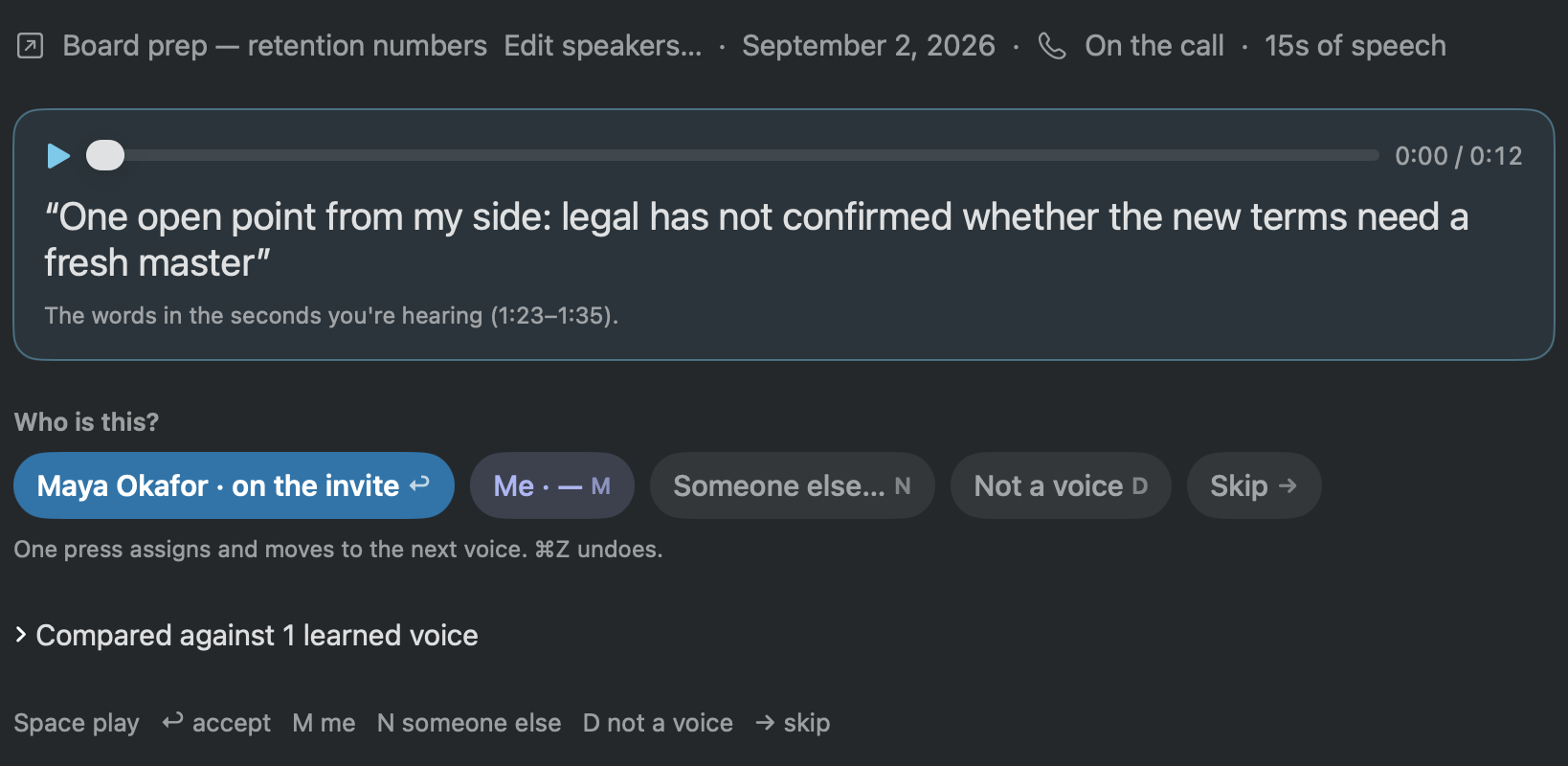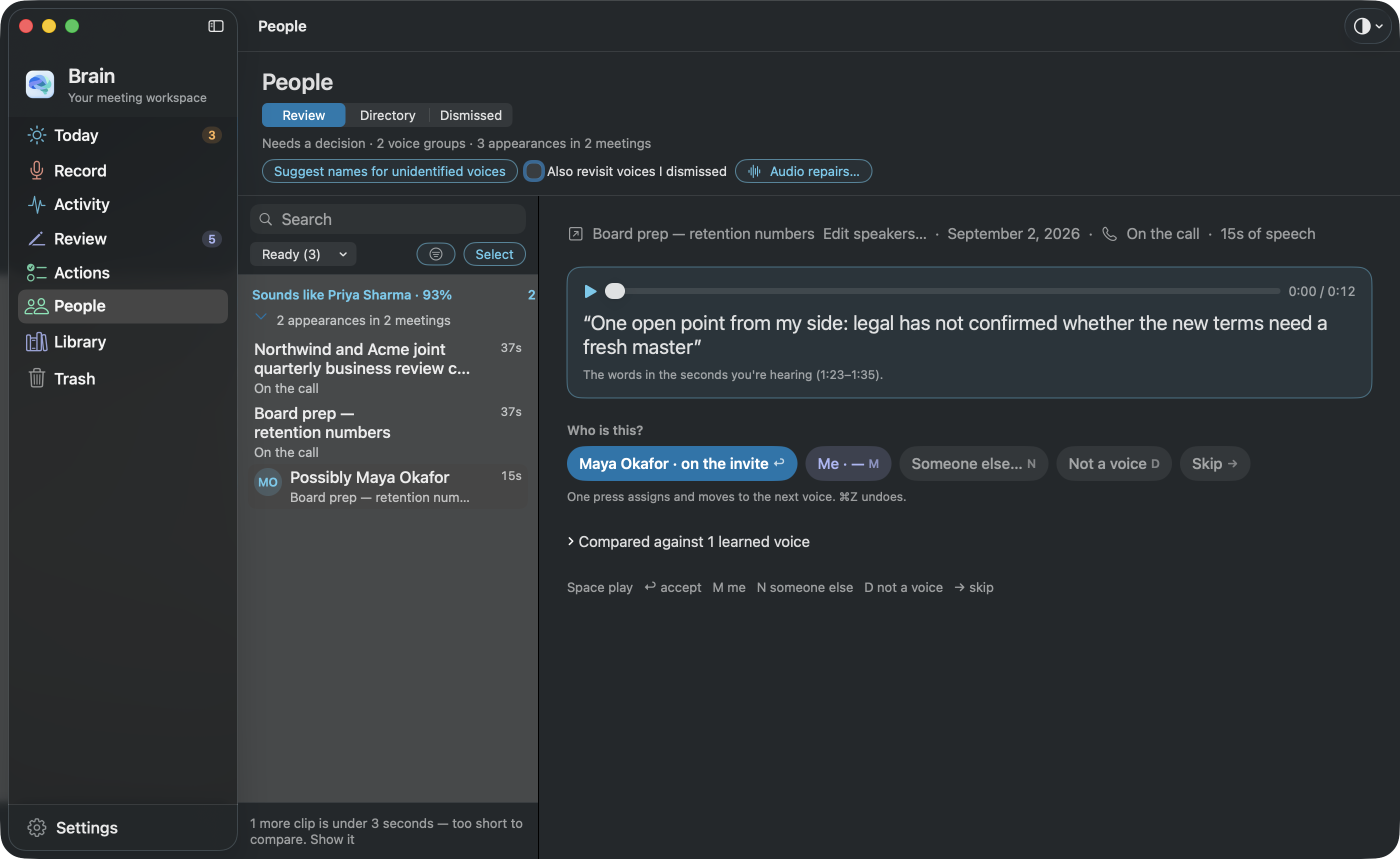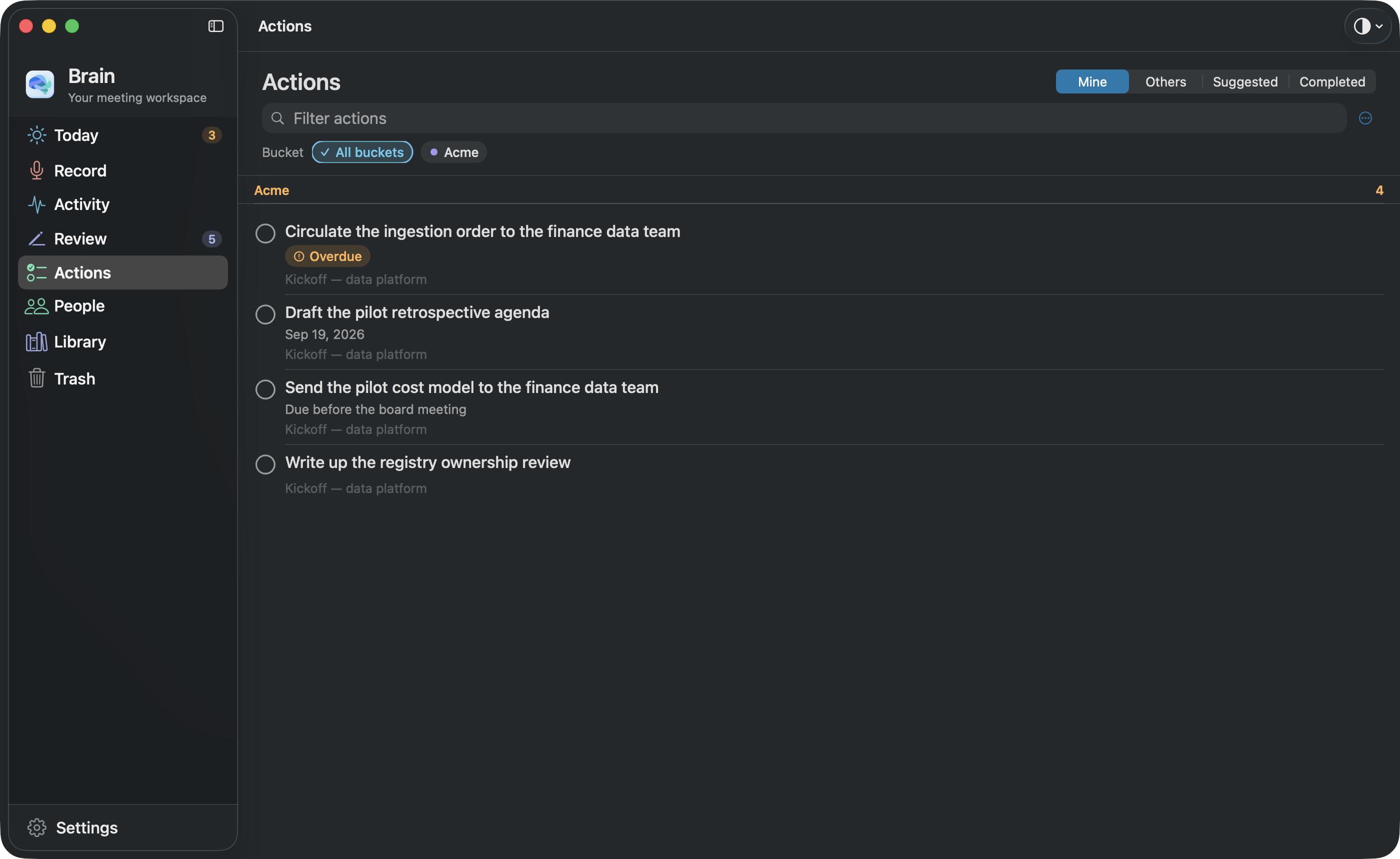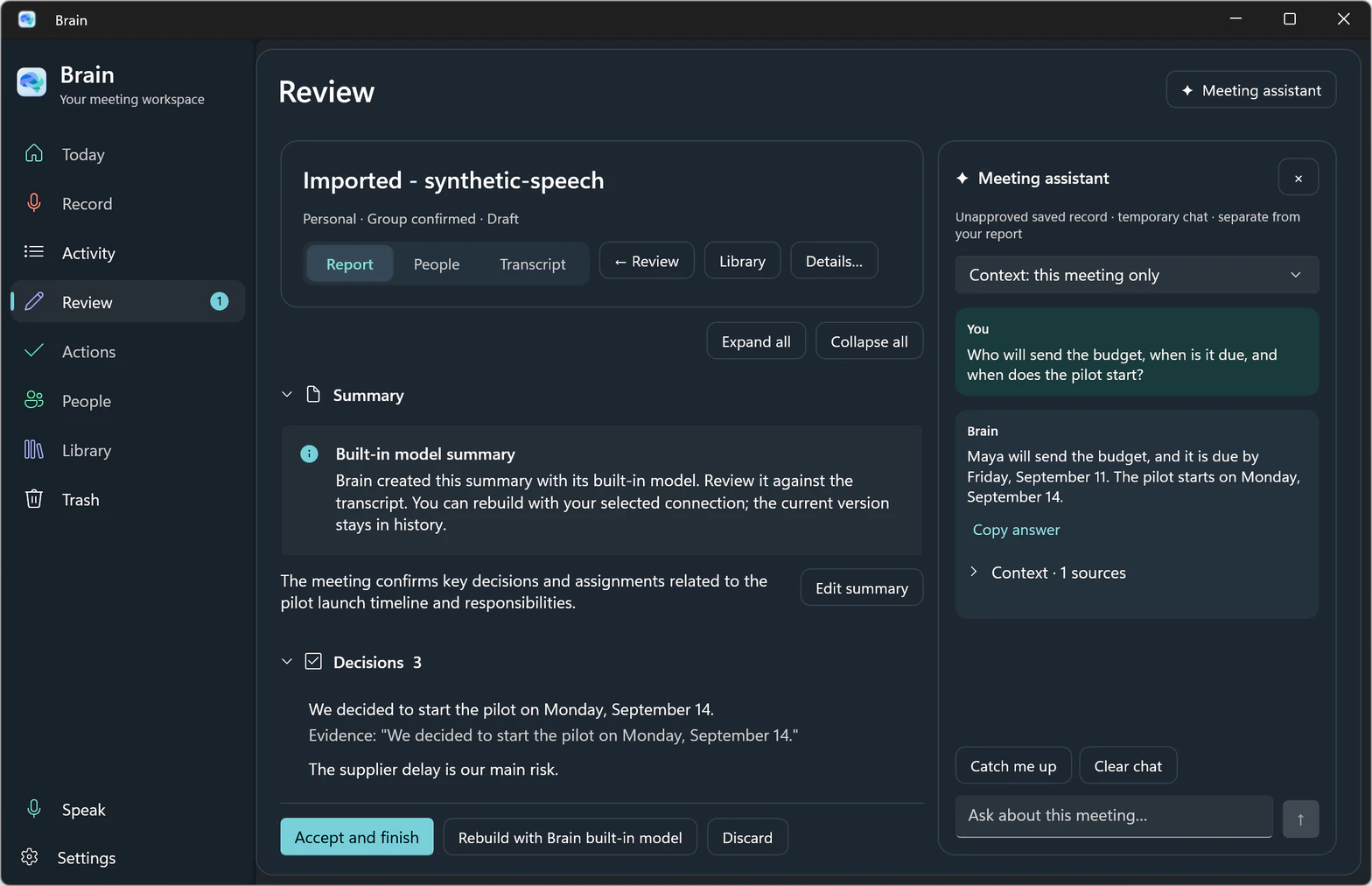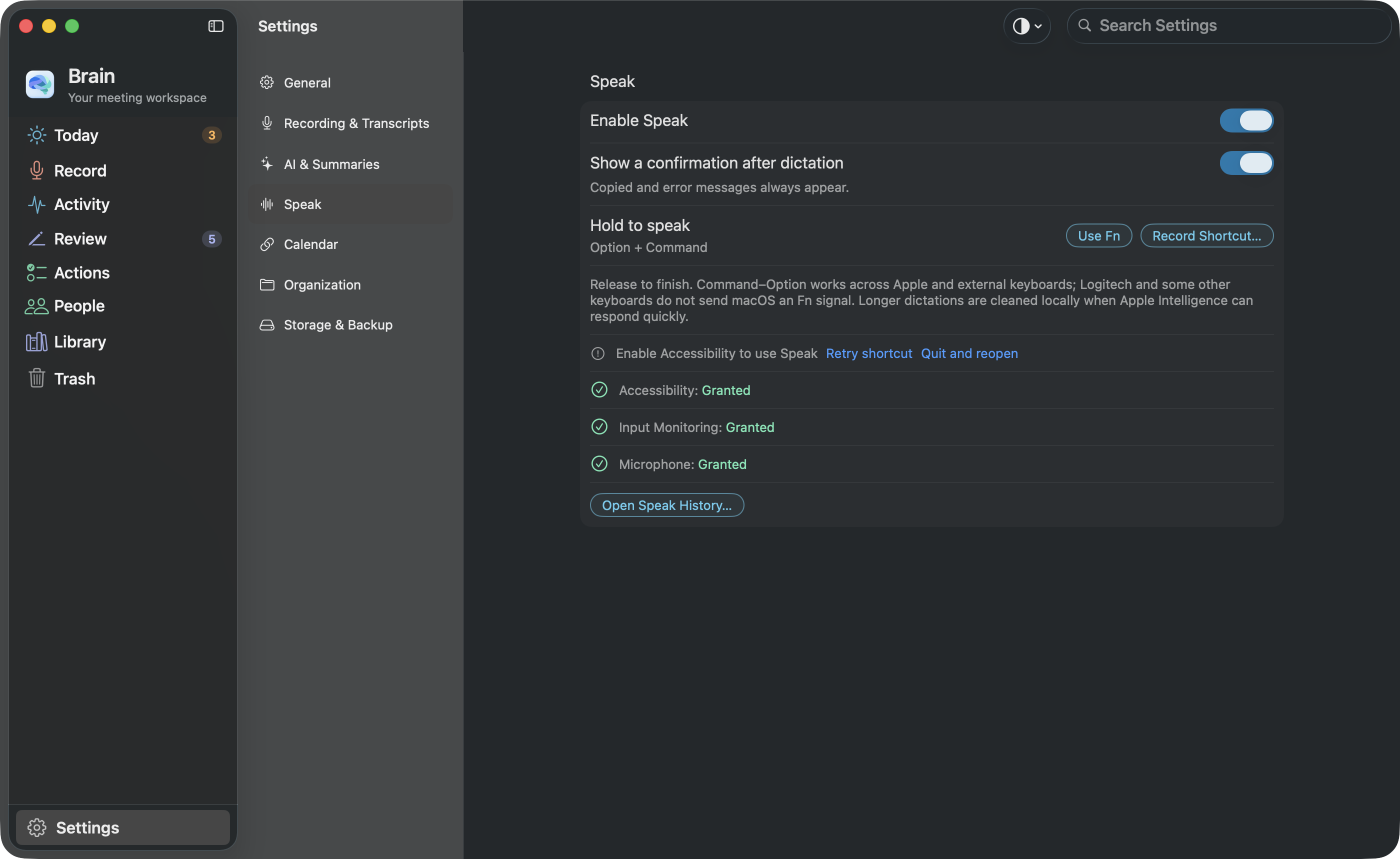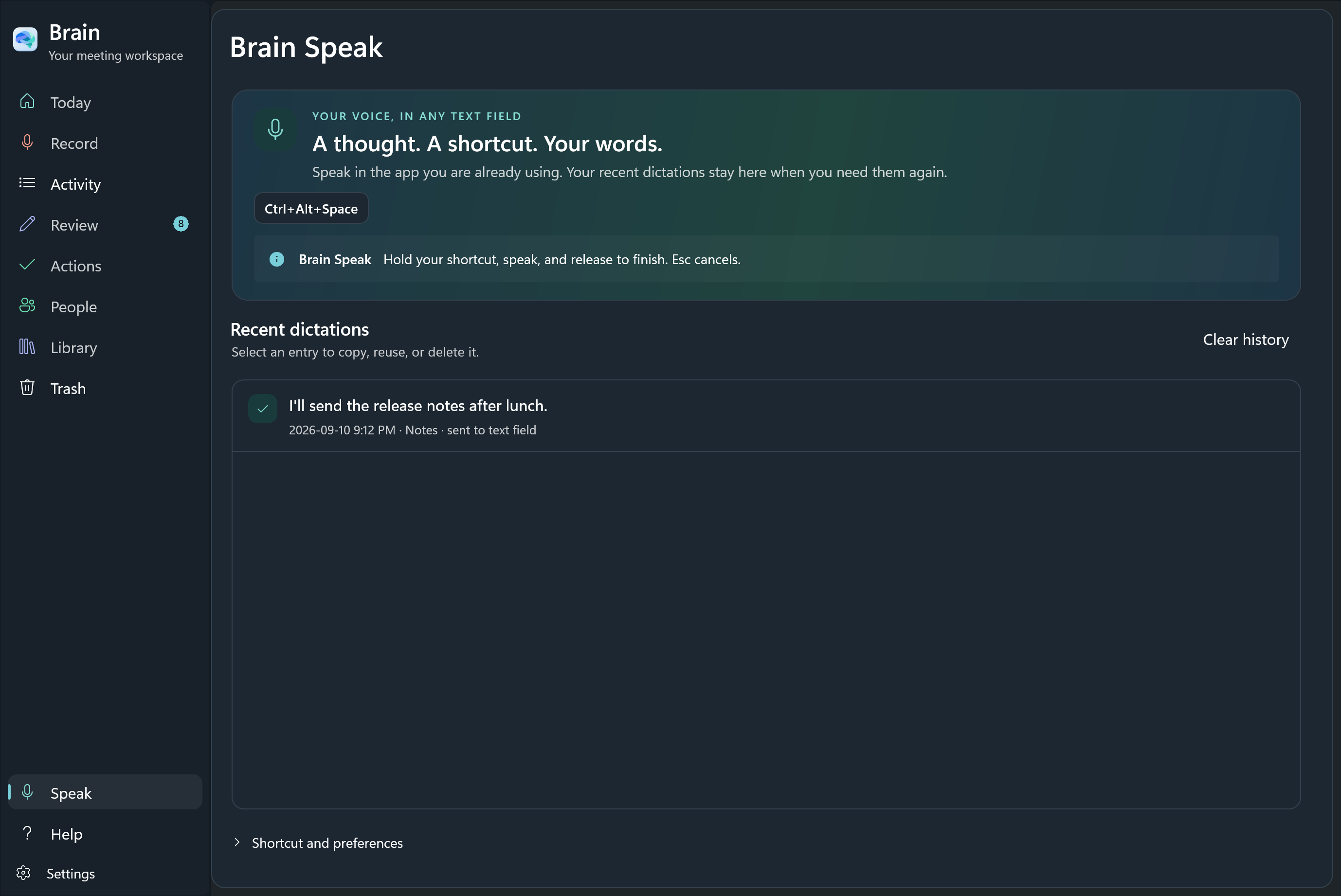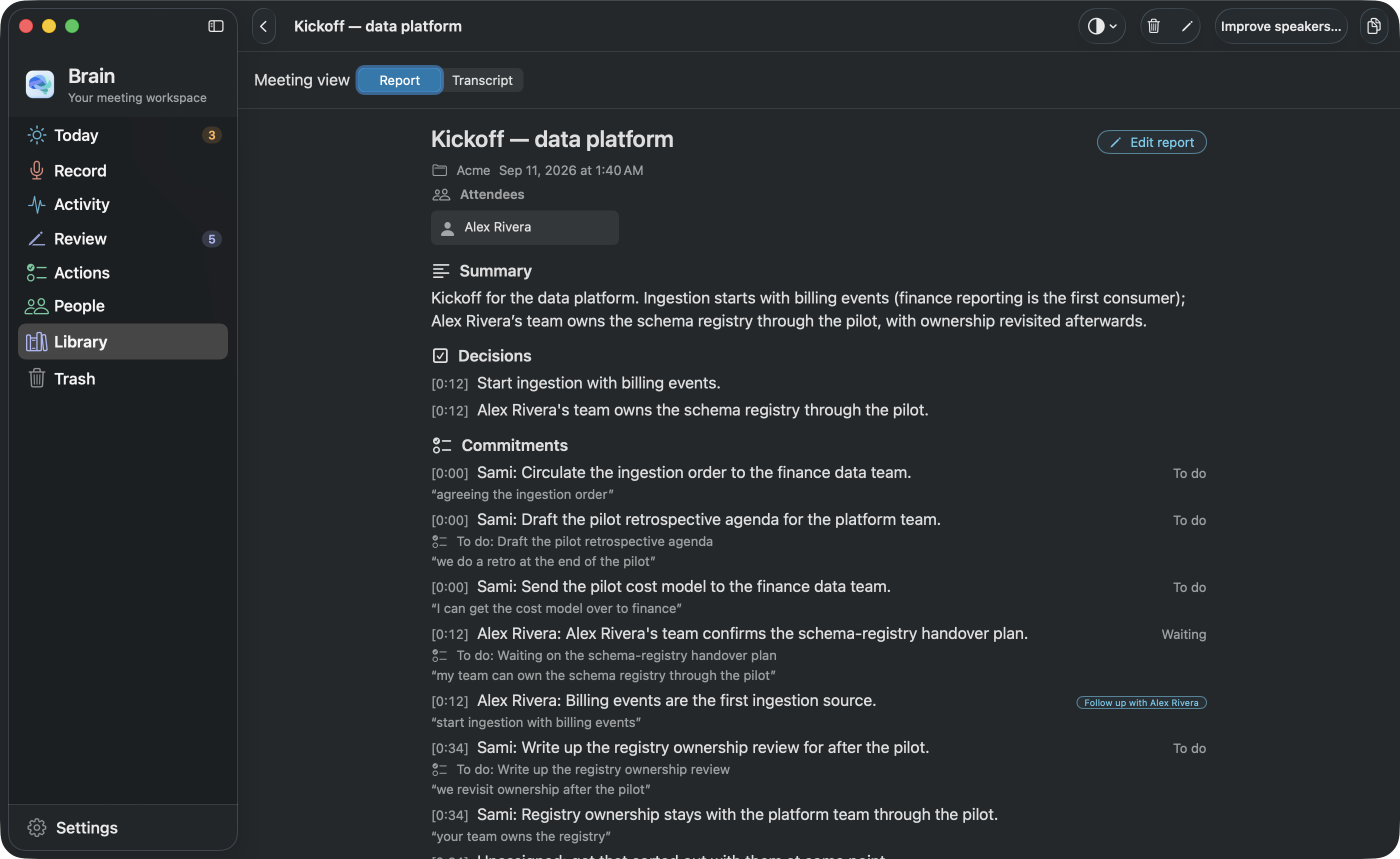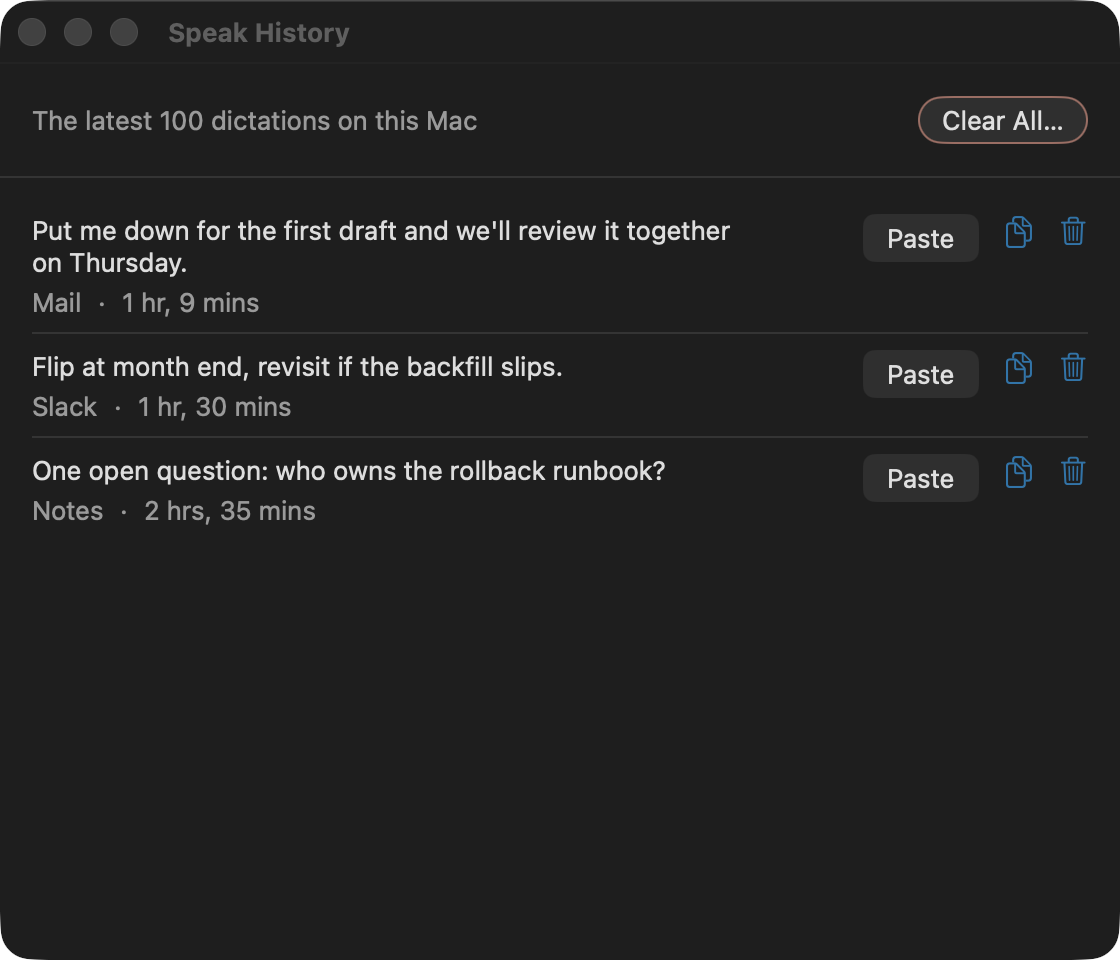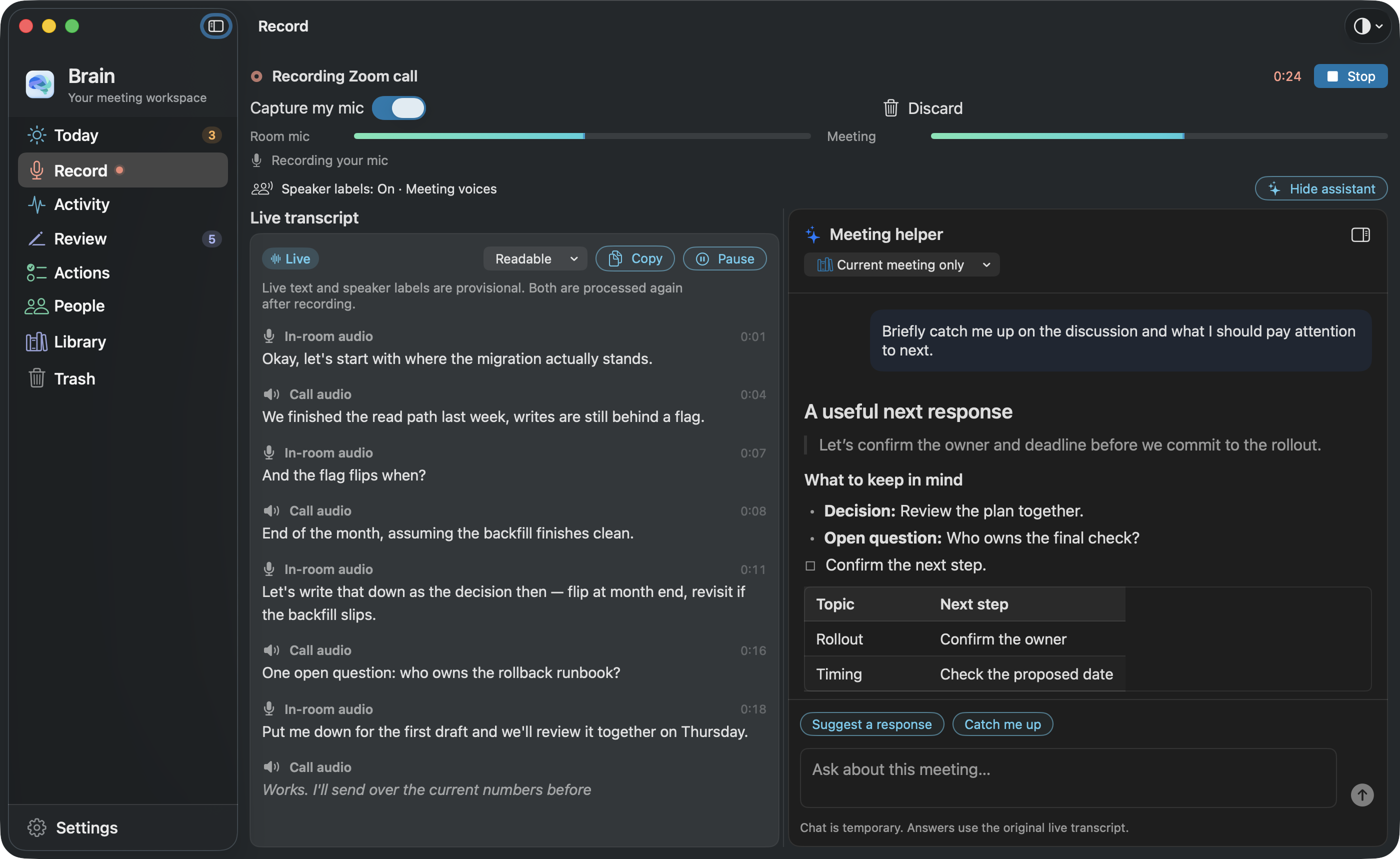
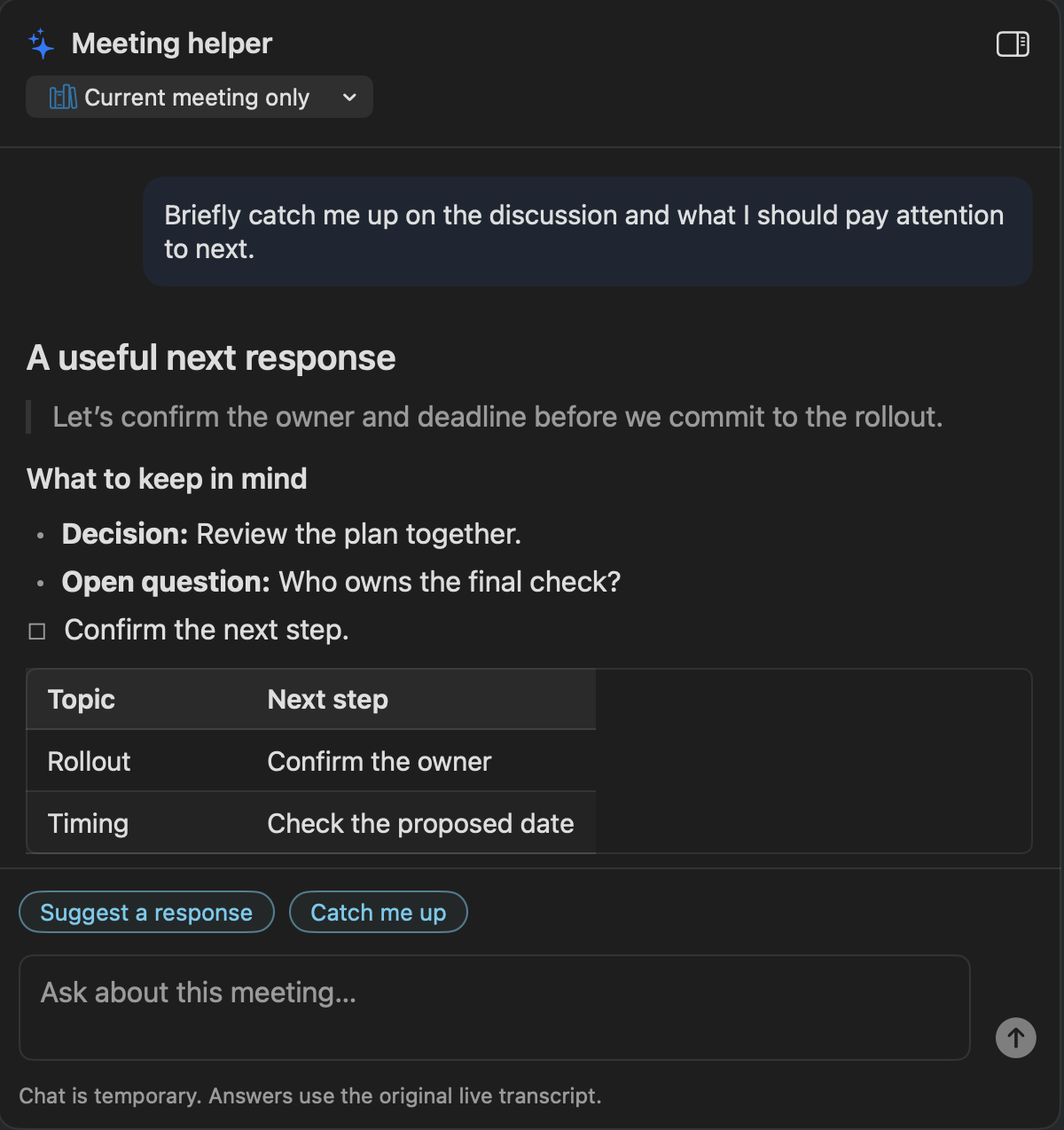
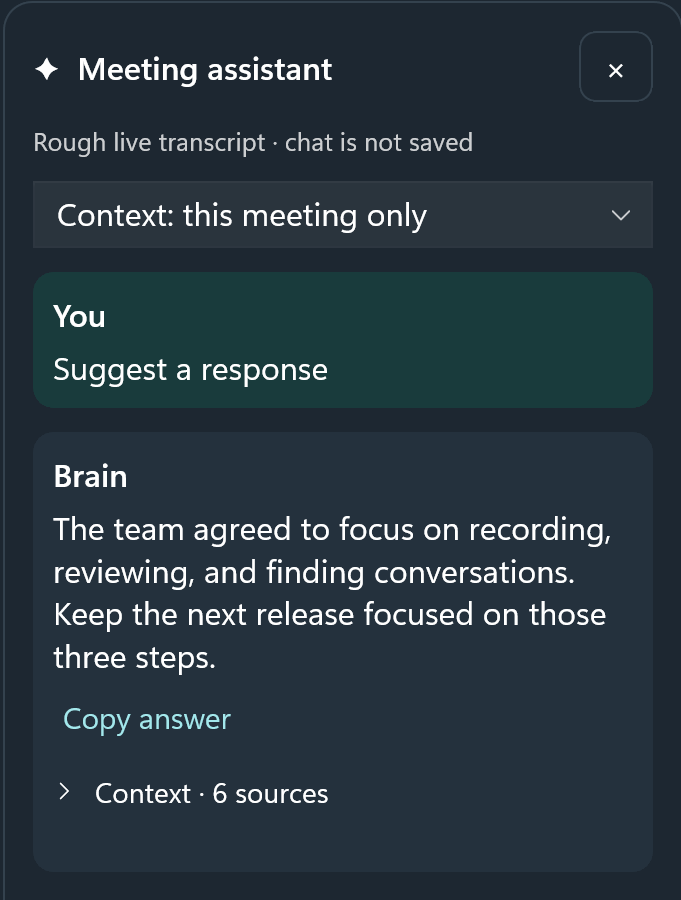
Mac: The call starts.
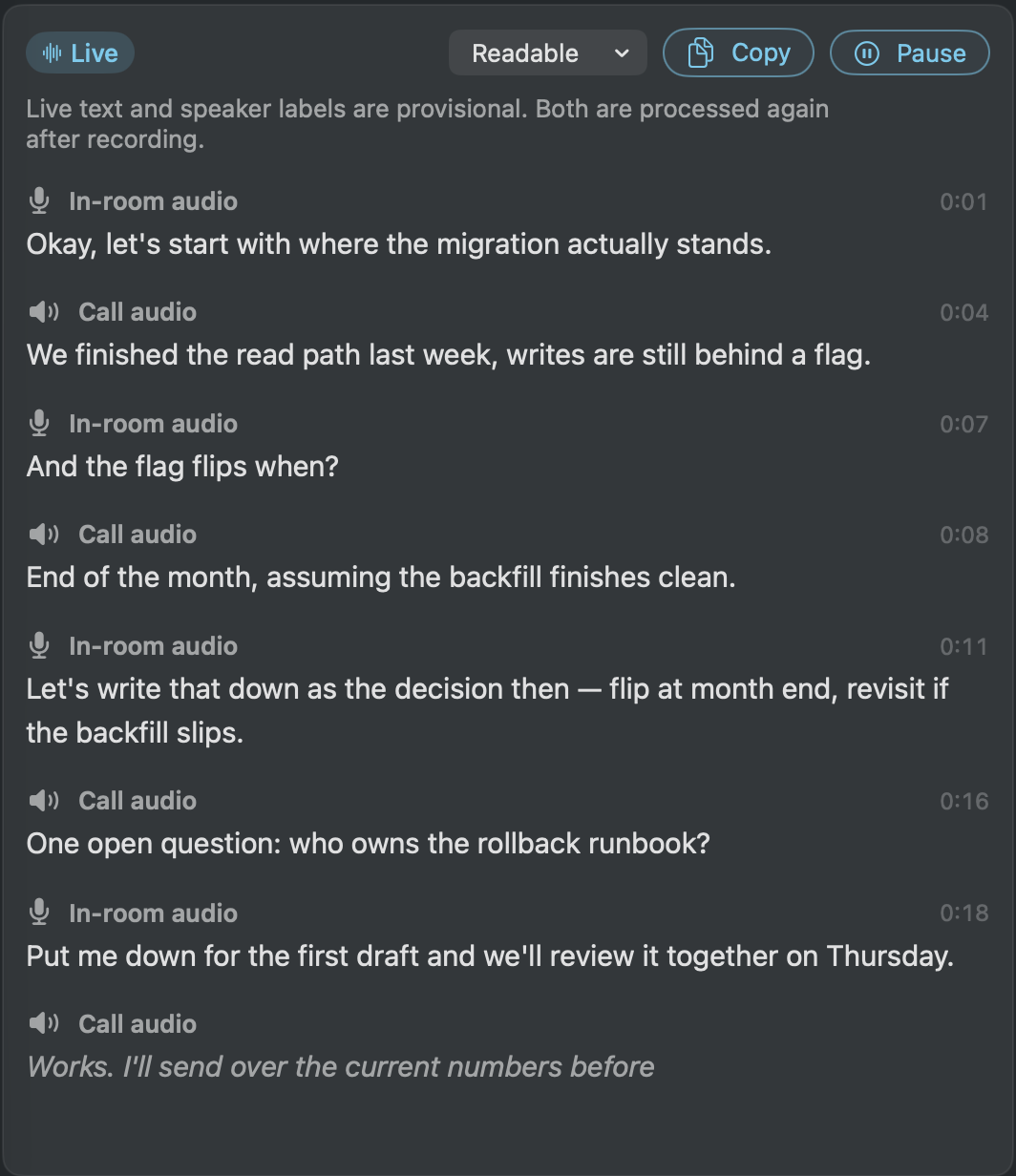
You choose what follows.
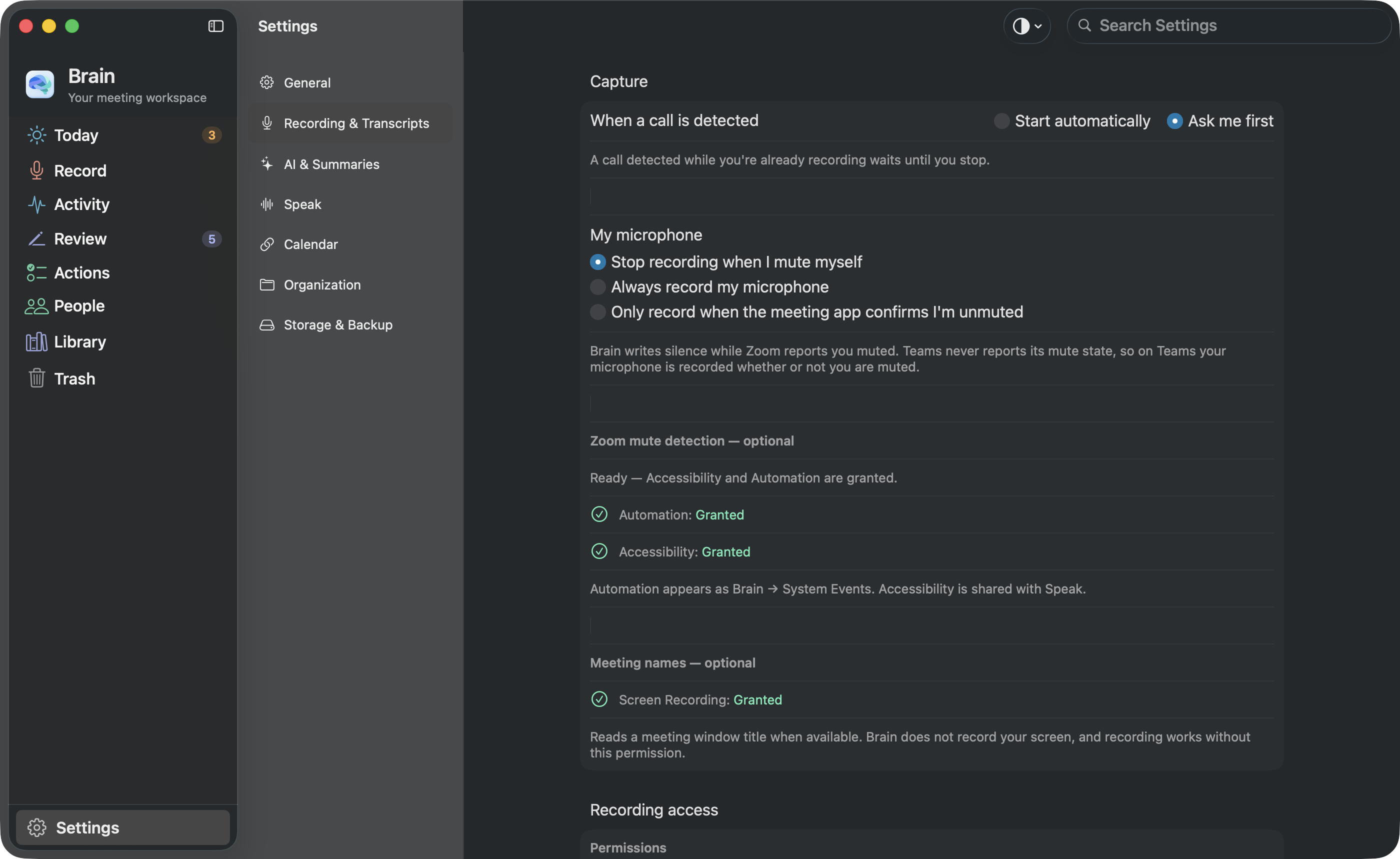
Brain notices Zoom and Microsoft Teams calls on your Mac and offers to record from the menu bar. In Settings › Recording, choose whether Brain asks you first or starts recording on its own. Asking first is the default.
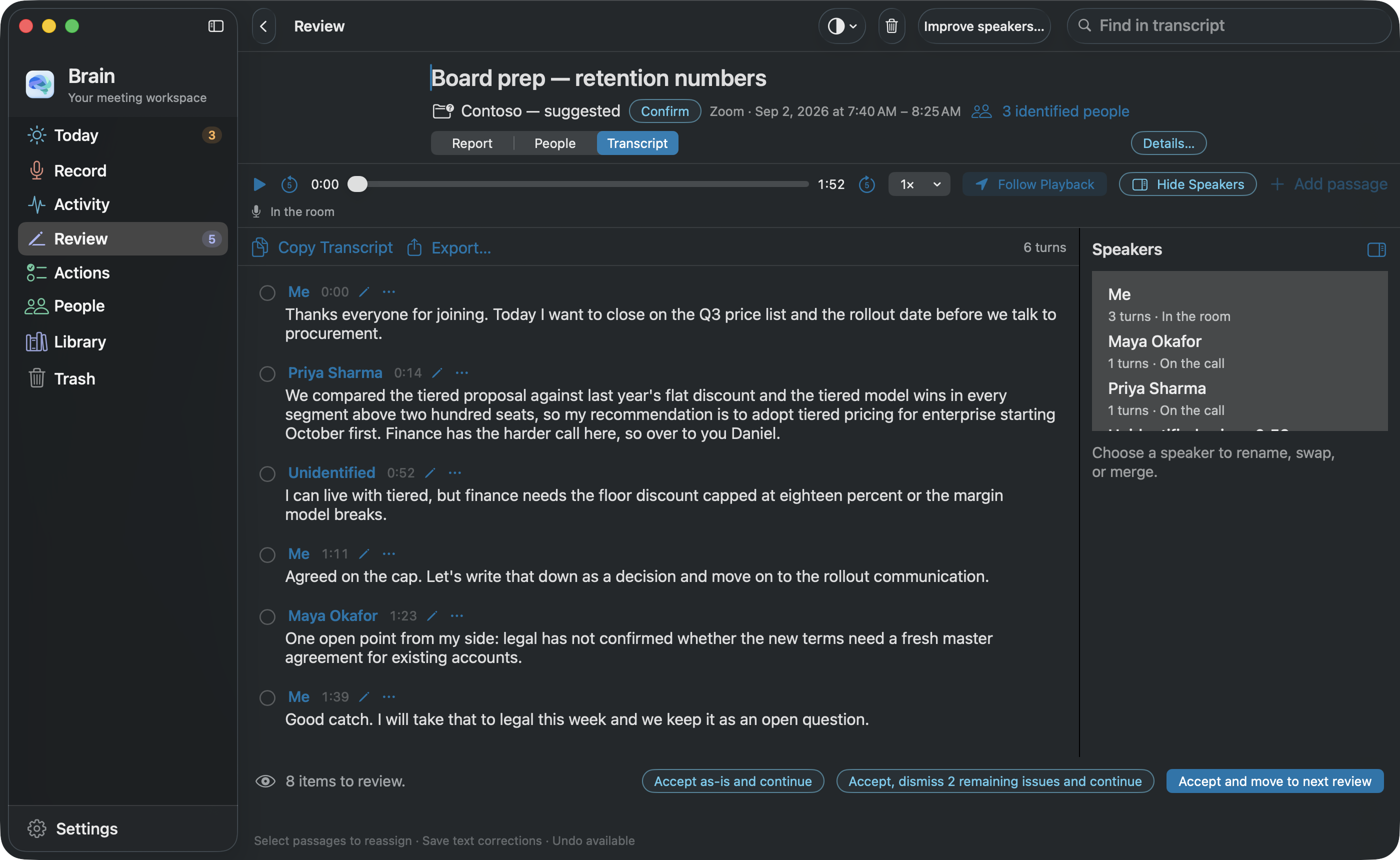
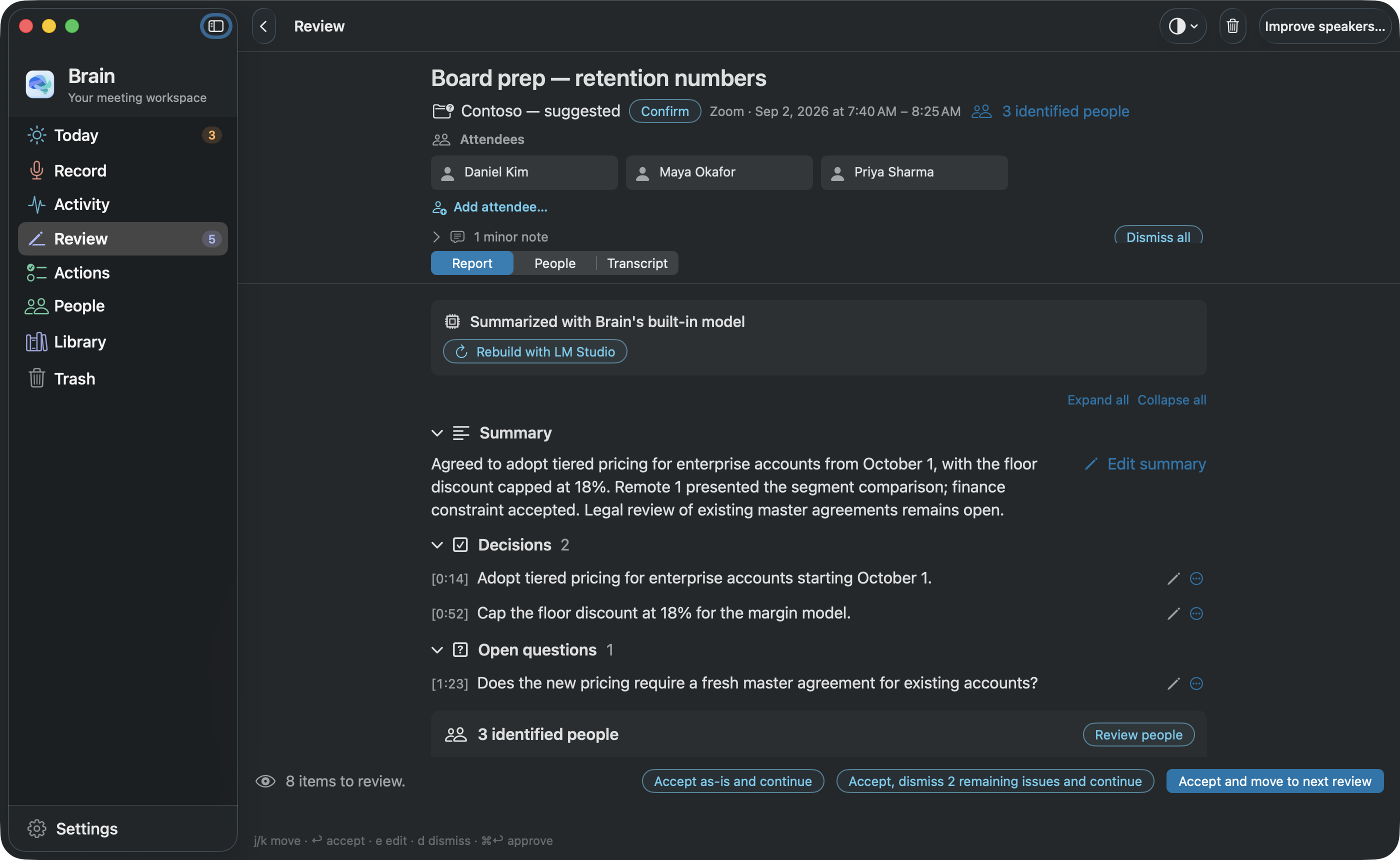
Tell everyone before recording. These screens come from a test copy of the current Mac app filled with sample content, not from a real call.
Mac setup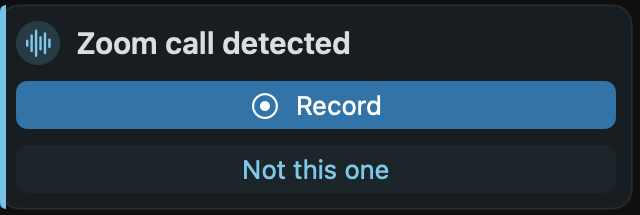
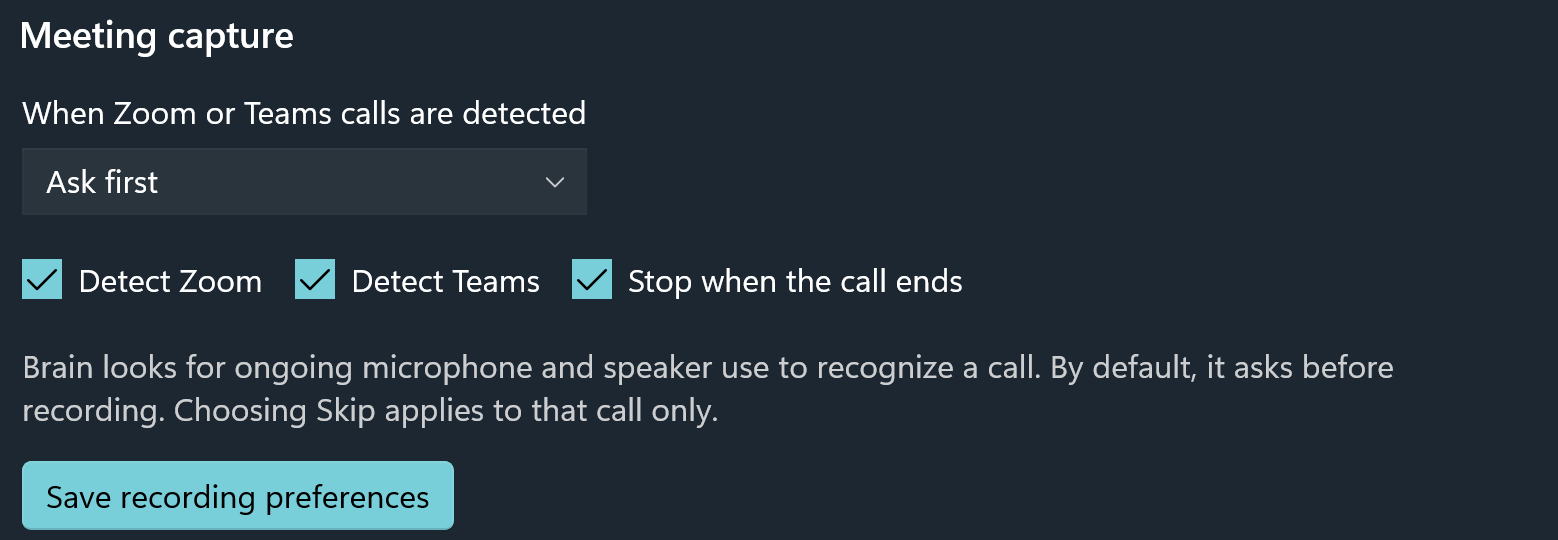
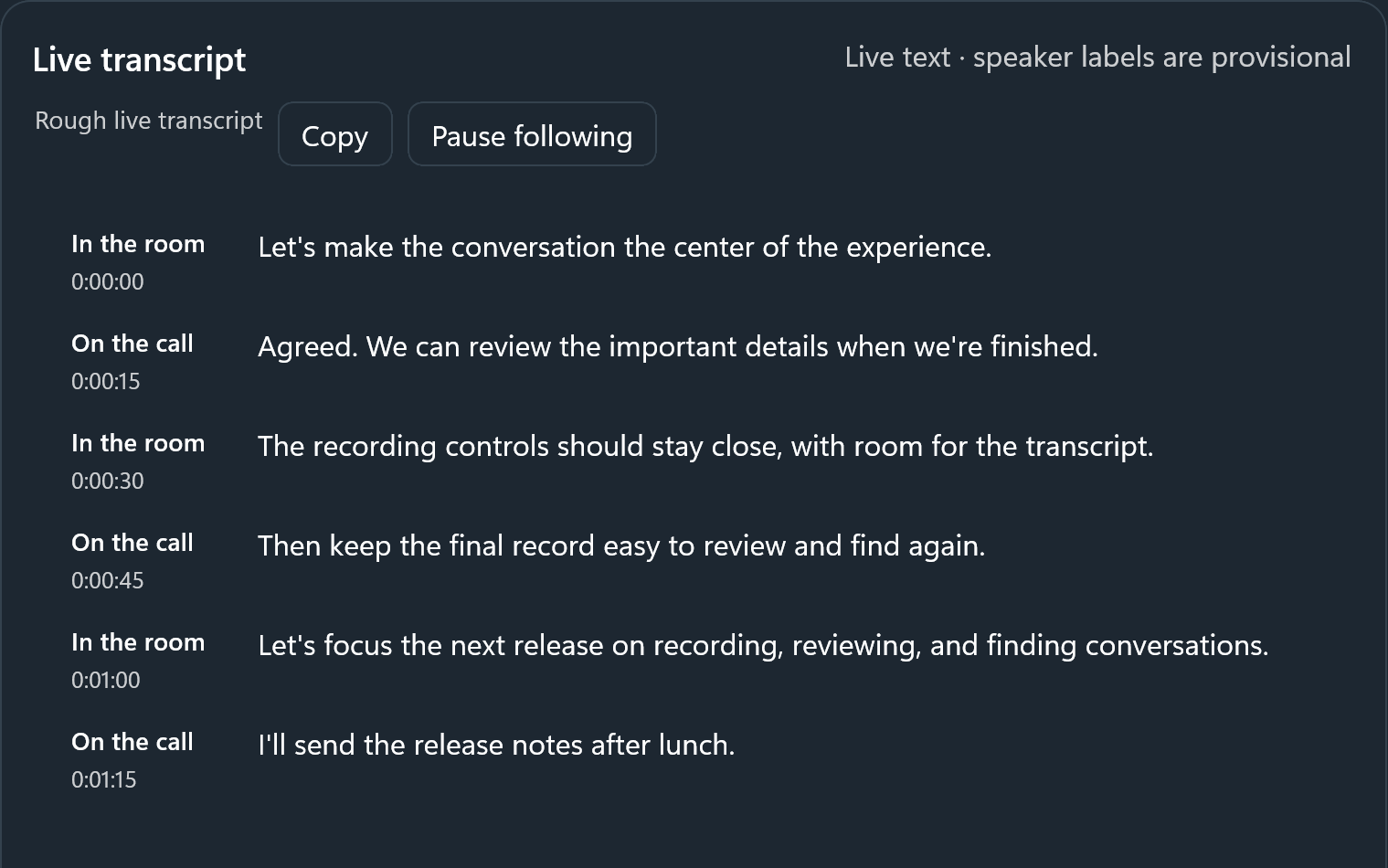
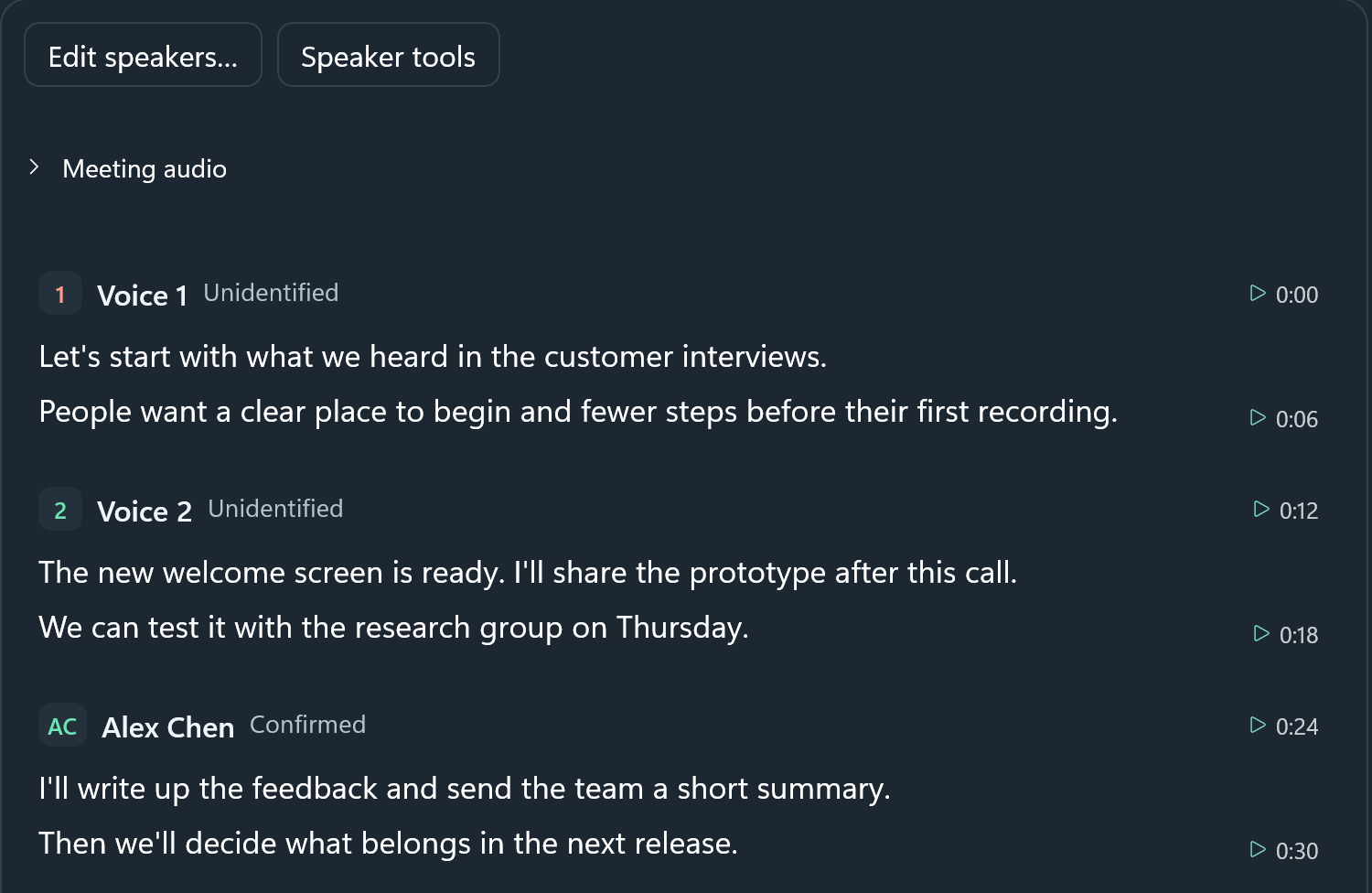
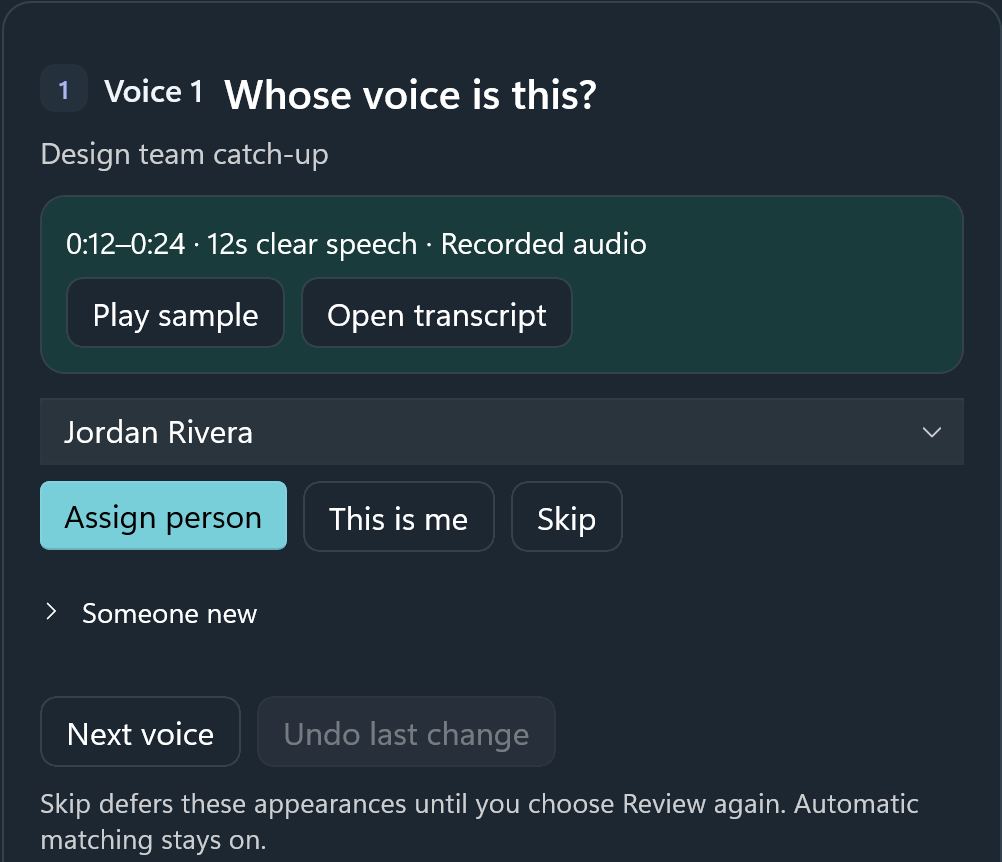
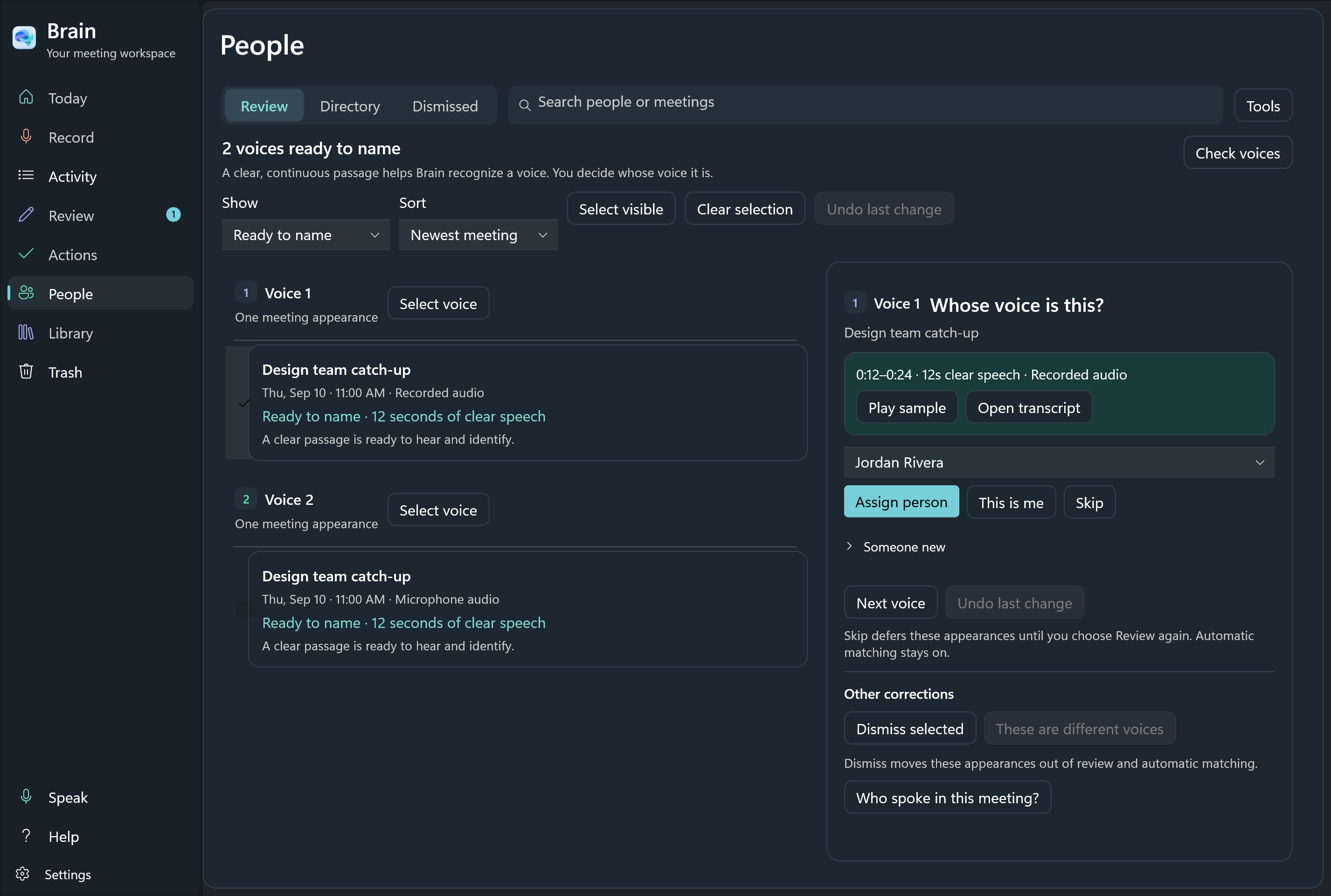
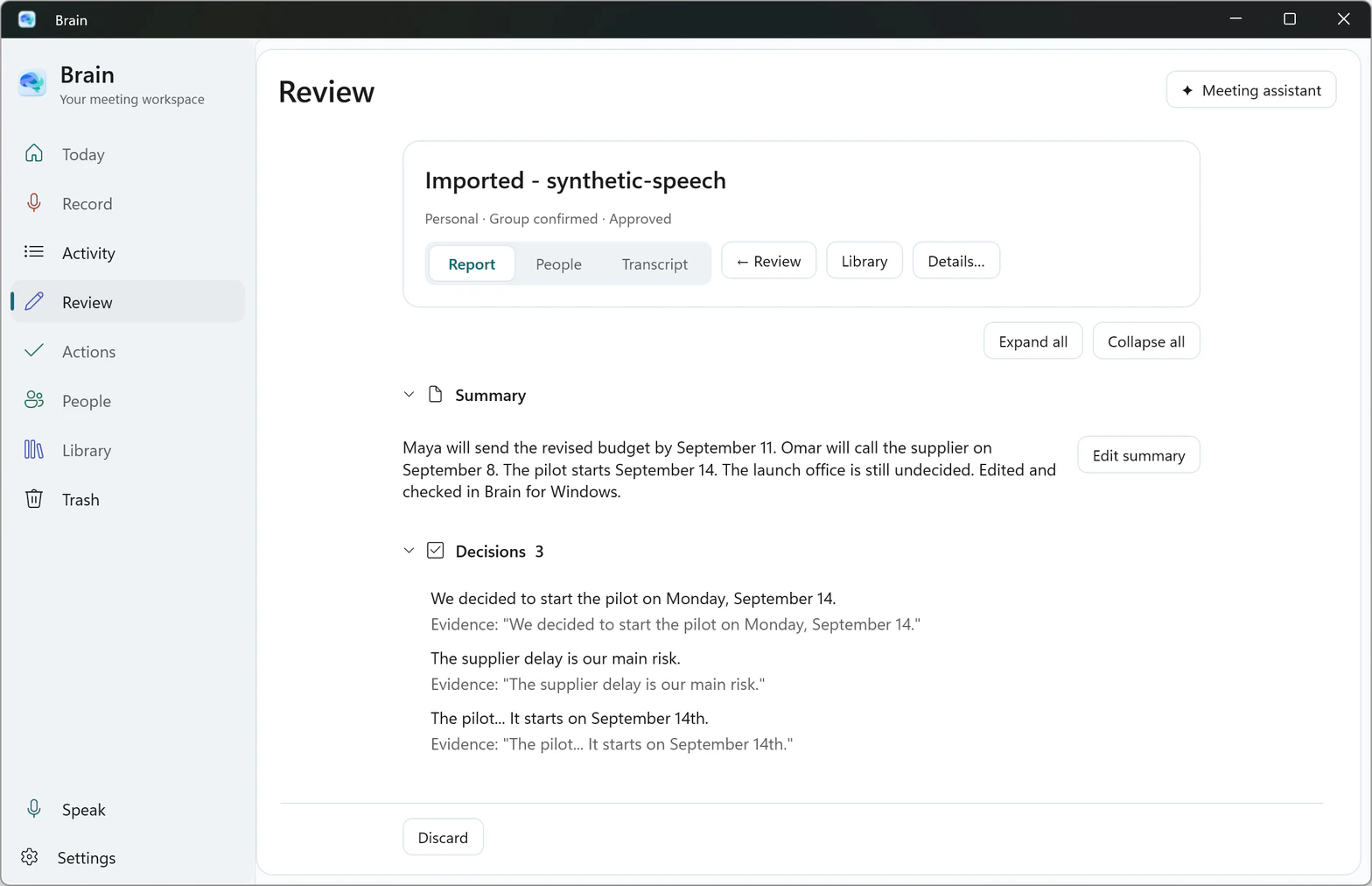
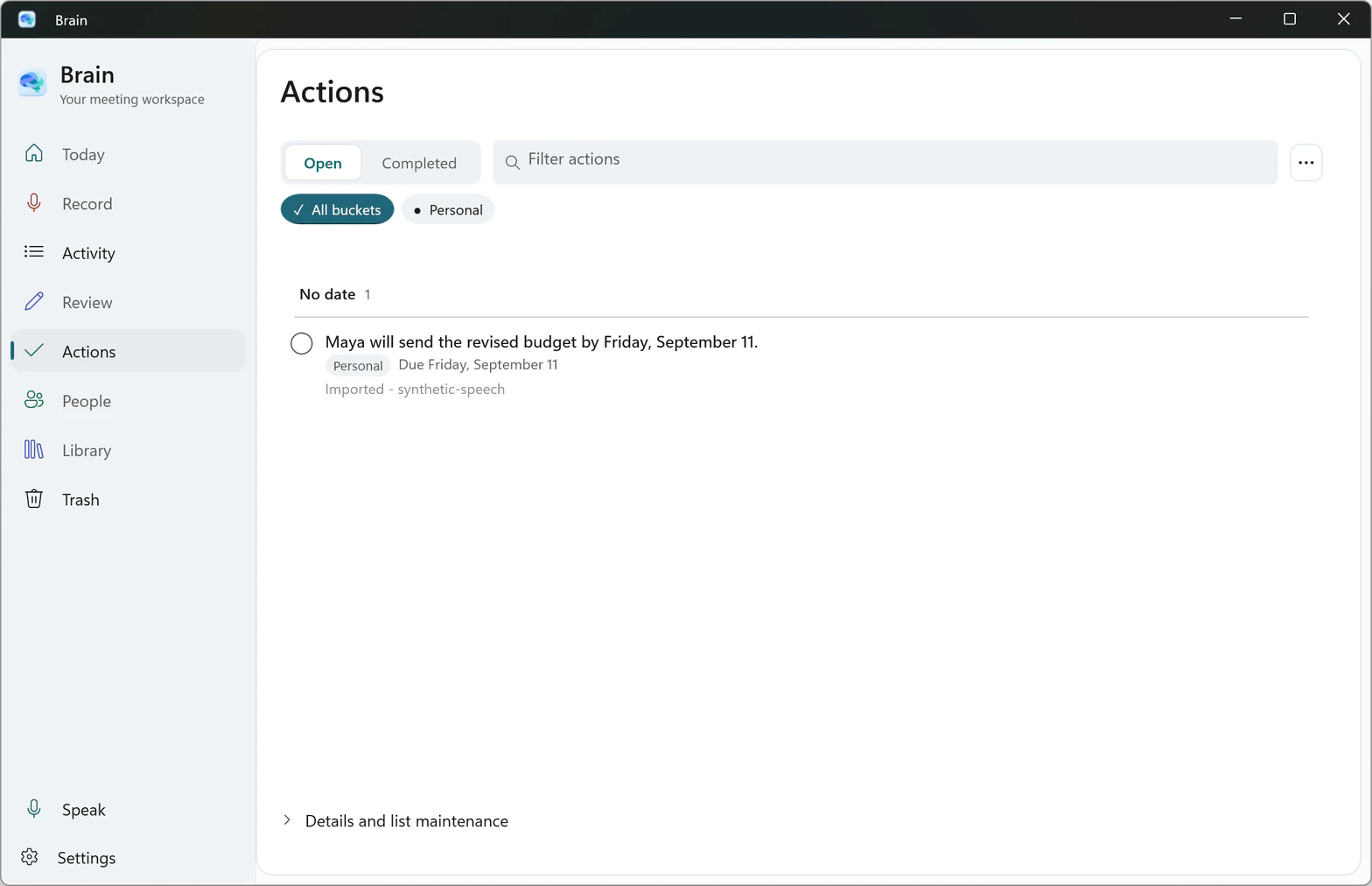
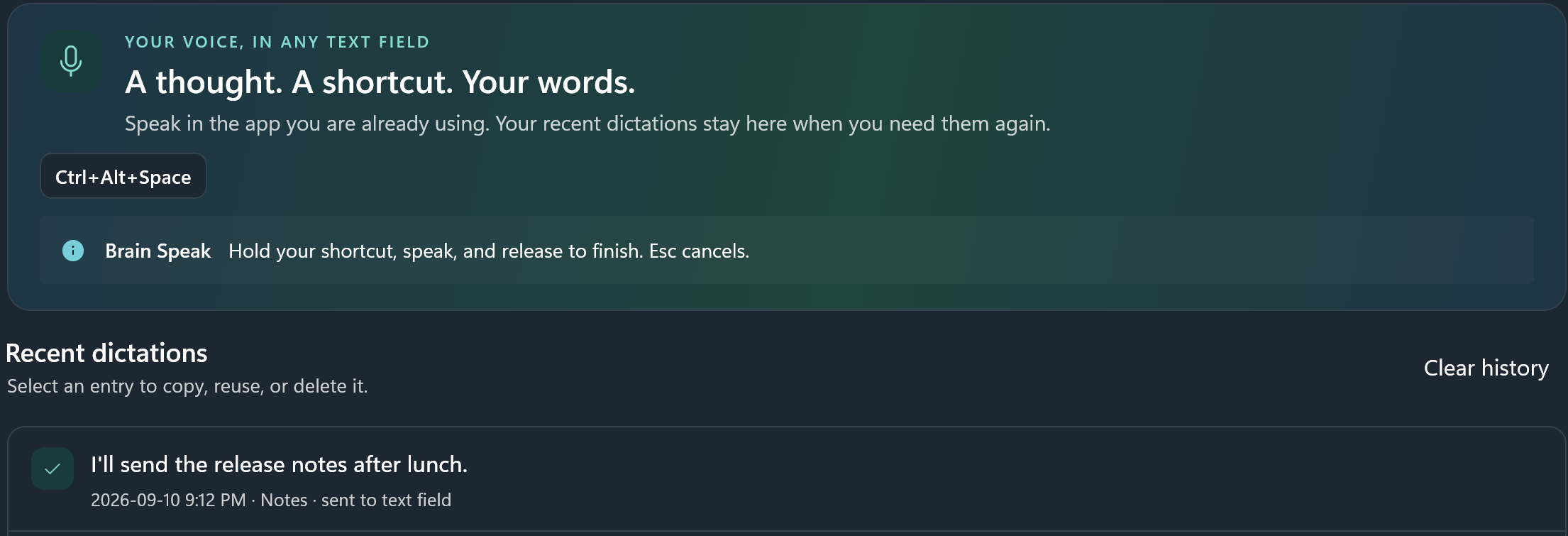
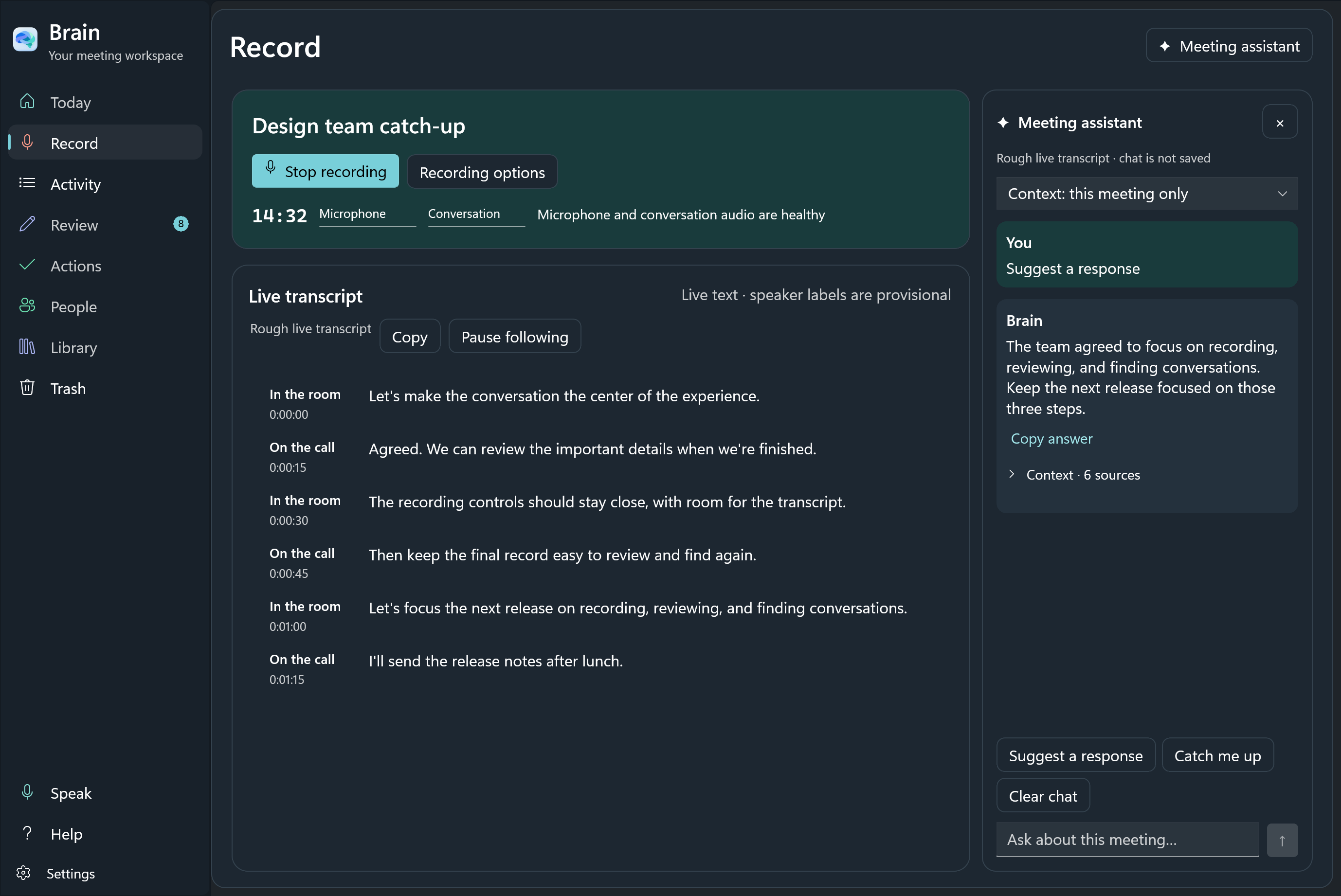
Windows: The call starts.
You choose what follows.
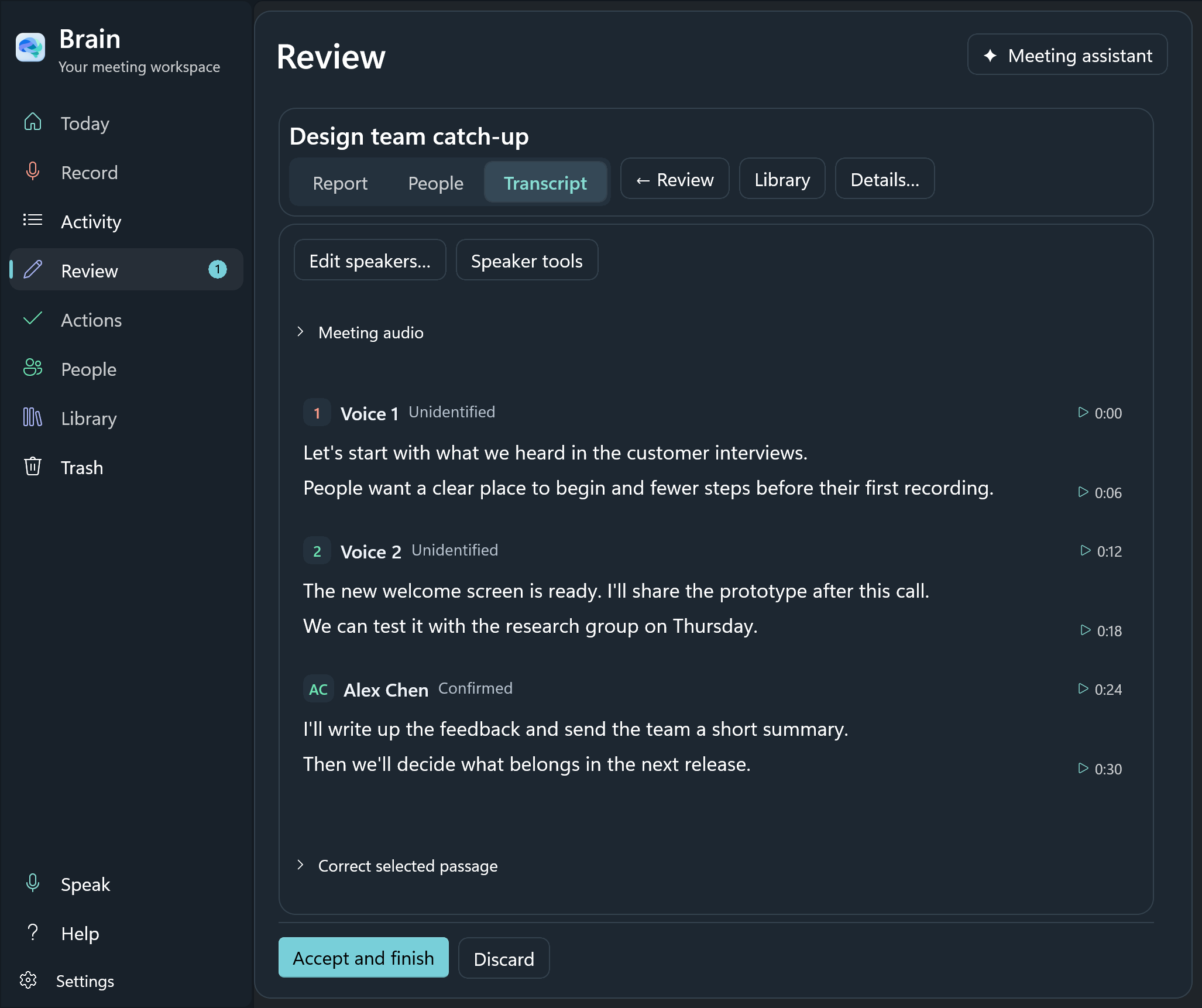
Brain detects Zoom and Microsoft Teams calls. In Windows Settings, choose whether to record automatically, ask first, or leave recording to you.
Tell everyone before recording. Recording a real call through a real microphone has not been tested yet in this Windows preview.
Windows setup